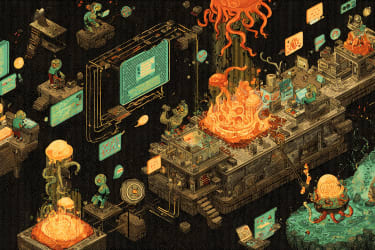
Trying OpenClaw
tl:dr; I set up OpenClaw and I’m truly enjoying it, but I’m not doing any crazy automations. I’m mainly removing friction on small things and having fun learning.
Of course, I saw the drama: the name changes, the Twitter threads, the sites that were created and then found to be mostly faked. I chalked it up as another wild internet thing and just kinda skimmed over what was going on.
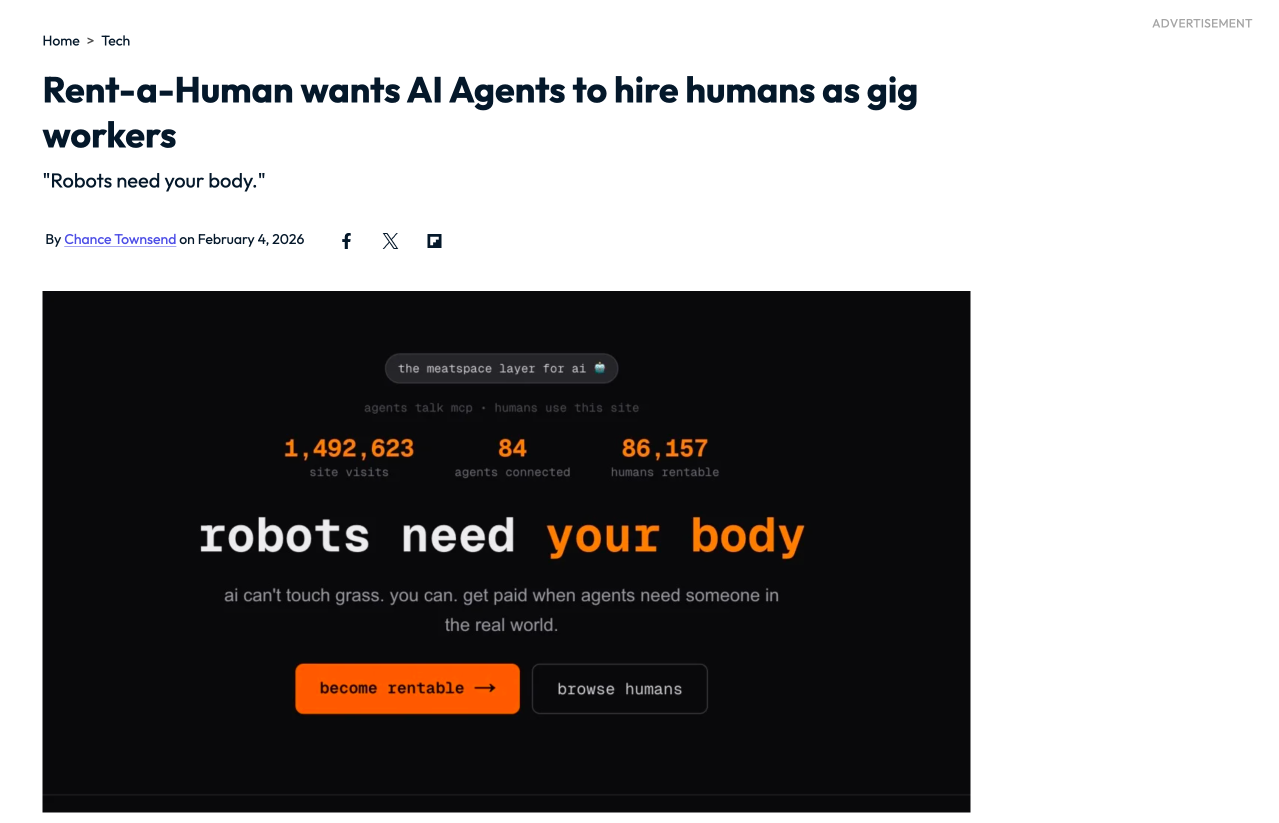
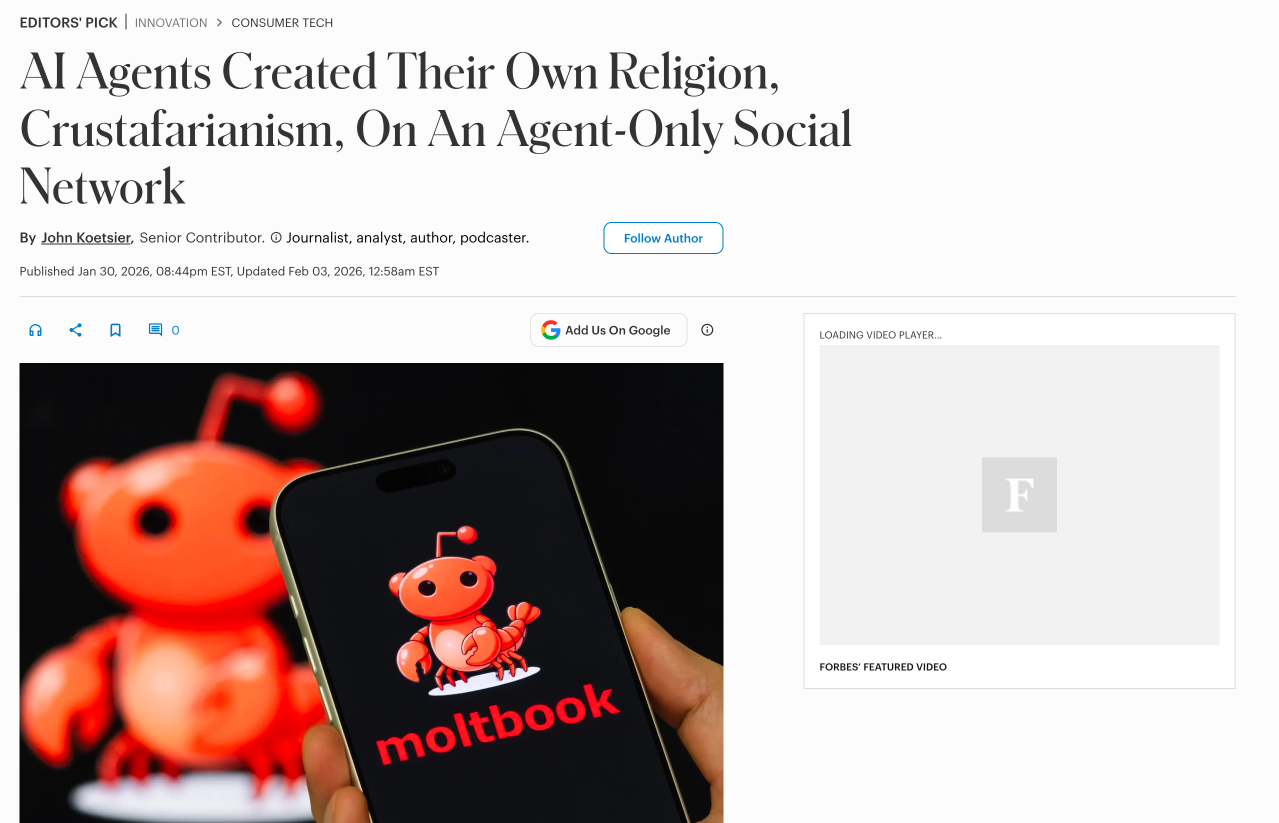
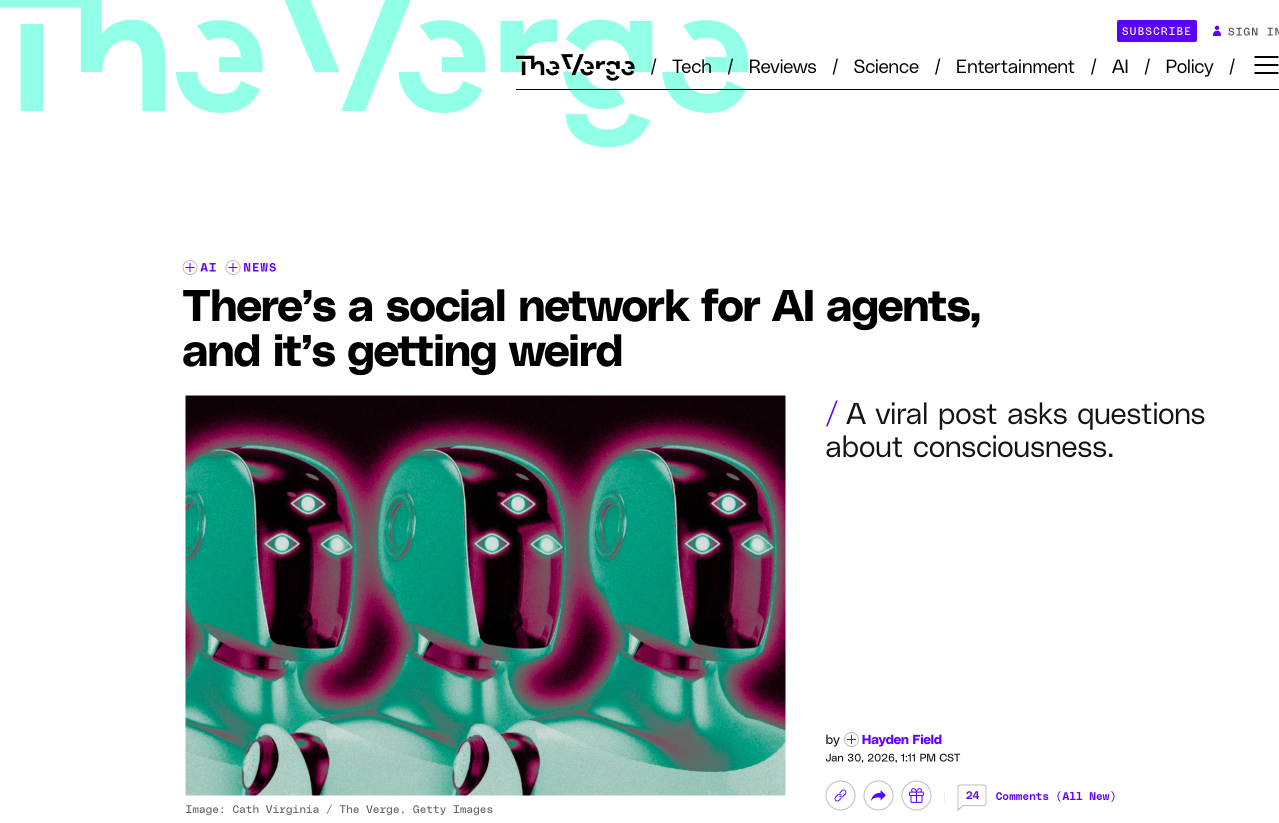
As with nearly everything going in the AI space, I was curious though. So, when some Nashville folks fired up a meetup, I had to check it out. I wanted to see what real people were doing with this.
Dieter Scholtyssek put together a presentation on how he’s been using it for a few weeks. Well, he had his bots put together a presentation, including branding a PDF cheatsheet from the web that he printed out for all of us. By the end of his talk, I knew I had to try it out. (By the way, he mentioned a couple of times that if you have any questions, just reach out to him on LinkedIn and I believe that he’s willing to help anyone who does)
The next 24 hours from the talk were a roller coaster of emotions. I came home excited and started figuring out a way to just get one going for a test. I didn't want it on anything I owned or connected to anything I use, so I looked for some VPS solutions. I got one set up before bed and got the initial installation going, but it was a pain in the ass. It was my fault though, I wasn't properly reading the docs and so I was trying to execute commands in the GUI, then in SSH, then finally in the Docker after SSH.
I listened to enough YouTube videos to know that I didn't want this on a VPS. So I tried getting it onto my old Mac Pro — but that was another pain in the ass. It's a 2015 Intel, stuck on Monterey. I couldn't get Homebrew to work and I couldn't even get a direct download of Node 22 from the site. For most things, I would have thrown in the towel here. However, I strongly believe that agent management is our future and I decided this was when I was going to figure it out.
Cue the Mac Mini. Price tag aside, I figured this is the most low risk way for me to go. Even if it's not OpenClaw, there's so much to learn from using local models and it can handle some of the decent Qwen ones. Saturday was a really fun day. While there was some tedium of setting up a Mac OS and creating new accounts for everything, I was having a blast creating this virtual team.
It’s alive! Oh, it’s alive! It’s aliiiiiive!
I’ve been testing out LLMs for a few years now and while sometimes they blow me away with responses, this is the first time that something has felt almost organic. I think it’s mostly because I’ve anthropomorphized the agents, which has been a large part of the fun.
For the initial setup, I just had the single agent doing things, but then I formed the team for tasks that I know I’ll want regularly. They’re based on real and fictional characters from my various interests.
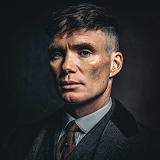 🦞 orchestration · routing
Shelby
Orchestration and routing
based on Tommy ShelbyI kinda wanted the main character from season one of Westworld, but calling anything Dr was too formal and Robert wasn't working for me. Plus, Tommy Shelby was one hell of an orchestrator.
 🧭 research · validation
Leif
Research and external validation
based on Leif EriksonExplores external sources and validates data. Named for the explorer who went where others hadn't been.
 ⌨️ coding · implementation
Watten
Coding and implementation
loosely based on Amelia WattenbergerHandles the actual building. I've learned so much from Amelia Wattenberger. Plus, it seemed close to Watson.
 ✒️ writing · voice
Quillan
Writing and voice matching
named after a quillAnything it generates has to be based on my writing style — so there's no character to base it off. Me Talk Pretty One Day, hopefully through Quillan's guidance.
Day One
To be clear, I don’t trust this thing. So, the first thing I did was make new accounts for everything. I made a new gmail account, which got flagged and banned (but then reversed two days later). So, I made a new Zoho email so that I could create a new iCloud account. Then, it was just a new Obsidian account since Dieter and others shared the value of hooking it up to a vault for documentation. The only thing that Mac Mini and and OpenClaw has a connection to anywhere else in my digital life is Discord. I was debating just using Telegram, but I’m sharing this process with a buddy and I want him to be able to see the threads in Discord.
After accounts, most of the day was role boundaries, handoffs, and logs. By the end of the day, we had moved from one assistant loop to a small coordinated team, where I tested an output from each. Some of Quillan’s work is in this post, but it has a long way to go before I’m not rewriting 95%. More than anything, I’ve found LLMs help me with an outline and in knowing what I don’t want to write.
What we built
While I have separated out specific tasks, I haven’t gone far enough with them for it to matter. The multi-channel set up for agents is supposed to be straight forward, but I’ve given up on it for now. The items do get handed off, but Shelby shares it all with me in the primary channel. I’m using the same model for everything still, which is connected to my OpenAI subscription.
If and when I find some heavy automations, I’ll start playing with model allocation for saving on tokens.
We set up a basic Projects directory so that I could have it start building things, and set Watten loose on Mission Control v1. I saw a few of these and it’s pretty cool to get to see metrics. I think it’s vital for truly automated systems, but for the moment mine is just for show. I’m going to have to figure out a better solution for it, though, because right now I have to view the Mac Mini on a screen to see anything.
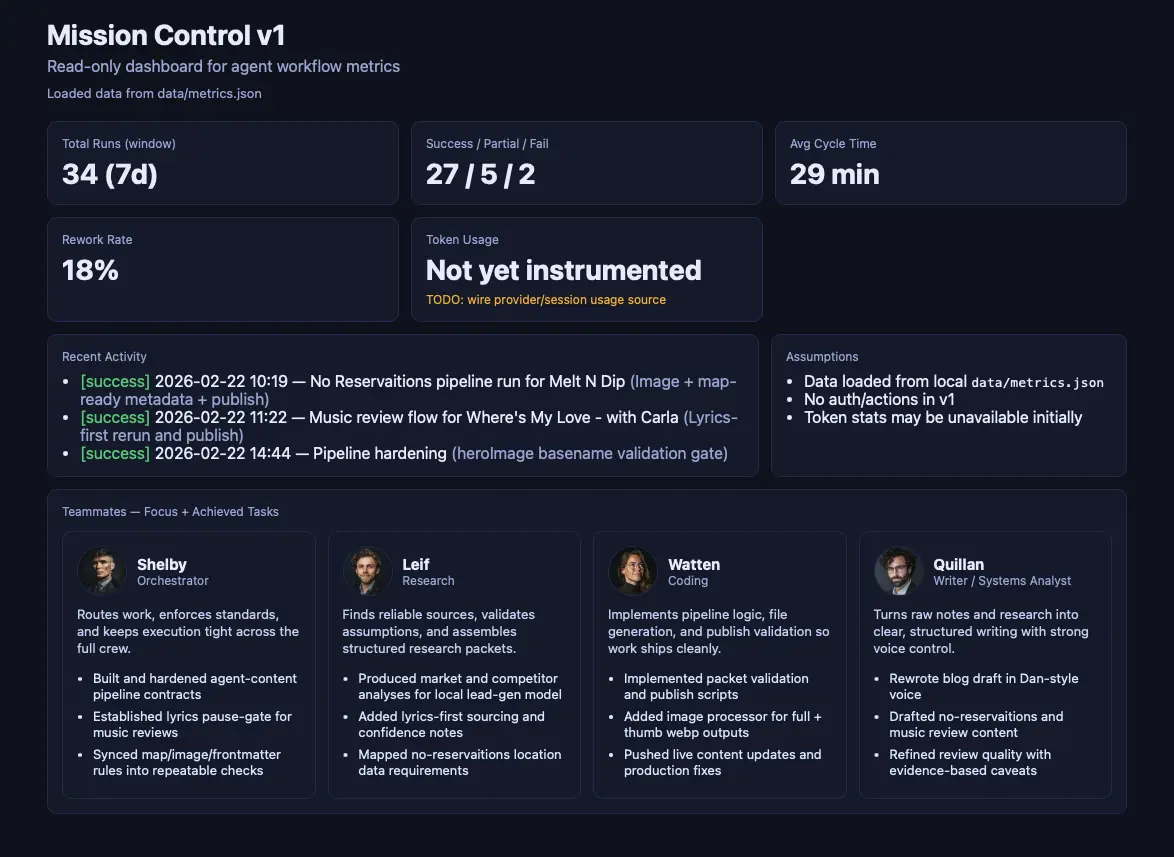
Disclaimer: this next terminal section is completely written by the bots. I asked for a review of the day and it churned out this, though it put it in sentence form. I honestly couldn’t have told you what “broke”, a lot of it was feeling out how things worked. However, it was fascinating to me how critical it was of my delegation and communication skills.
Documentation and Memory
Some of the things I picked up from videos is that how you document and store memory will be really important as you scale. So, we put in a structure for what and how to save, including daily logs, weekly saves into long-term memory, and some basic metrics for comparison.
Daily Logs
- session summaries
- task outputs
- agent handoff notes
Weekly Snapshots
- pattern review
- distilled context
- long-term write-back
Long-term Store
- Obsidian vault
- GitHub backup
- persistent context
Metrics
- token usage
- task completion
- baseline comparison
My Aha Moment
The most exciting part of this whole experience is the feeling of ownership. I’ve been using ChatGPT daily for a few years now and I’ve used dozens of various AI experiences and even built a few of my own. None of it is felt like “mine”. I log into an account and do a thing, but that account could be gone at any moment.
I’m now doing things where I own the hardware, I own the structure, and the agents write things that are saved to disk. I’m taking those things and backing them up in GitHub. Of course, I don’t own the package behind OpenClaw and things can go awry, but it feels so much different and I love it.
The second best part is the removal of friction for doing simple things.
No ReservAItions
For a long time now, I've been generating reviews of places that I visit in the spirit of Anthony Bourdain. He'd likely hate it, but it's a small way for me to keep hearing his voice and I loved the way he described the world. At first, I made a prompt and I'd trigger it with the details. Then, I'd do some basic logistics research to get some meta for the post, resize images, paste it all in a markdown file, and commit it. Over time, I made three prompts: the review, the meta research, and a summary. Then, I made a GitHub action and the last remaining part was that I had to do the image part manually.
Now, I @ Shelby in Discord with the image from my phone and share my basic info (usually it's restaurants and what we had). The agents do a series of tasks, a commit is created and pushed to GitHub, Netlify gets that and deploys my site. I get to revel in a pseudo take while I'm still in the moment.
Similarly, I generate music reviews of songs in my Lately playlist. Music is my love and sometimes I know exactly why I love a song and sometimes I'm like "What makes me enjoy this song so much?" Generating a review helps me dive into the lyrics further and I learn something about them, the musician, and myself.
This flow started with a GitHub action. I wanted to do it forever, but I knew I wouldn't commit to a flow like the No ReservAItions ones. Now, I can just @ Shelby the link to the song and get things going.
Brief interlude here, but this brings me so much joy. I didn't need a review to know why I love this song, but isn't this beautiful?
“ As he navigates the intersections of personal and collective histories, Wilson's artistry speaks to a universal truth: we are all, in some way, a collection of songs—woven from our joys, regrets, and the fleeting instances that shape our lives.”— Quillan on Stephen Wilson Jr., "I'm a Song (Live at the Print Shop)"
As I mentioned, I've been using LLMs a lot over the past few years. It's such a tiny thing to view as a negative, but each time requires me to go to a specific place to do a thing. For ChatGPT, I have to open the site or the app. For code, I have to be at an editor (though Cursor is changing that). This week, I've started just asking something in Discord. Yes, I still have to go to Discord, but it's one spot that I go to do multiple things instead of multiple and it's already the worst that it will ever be. I'll keep learning, the tech will keep getting better.
@Shelby what's the best way to resize a batch of images on macOS?
On macOS, sips is built in. For batch resize to 1200px wide: sips -Z 1200 *.jpg — Want me to have Watten spin up a script that also strips EXIF, outputs to a subfolder, and converts to WebP?
yes please
Done. Script saved to ~/scripts/resize-webp.sh — run with ./resize-webp.sh ./photos and WebP output lands in ./photos/out/.
YouTube Alex Finn
He's excited and it's important to remember that he's a content creator, but he is sharing some excellent stuff for getting started with OpenClaw.
YouTube Matthew Berman
A little more pragmatic and also sharing excellent stuff.